Add/Edit New User on your Account
Creating new or editing existing users can be executed in minutes.
»
Updated over a week ago
NOTE: Only users with Admin permissions can create, modify or delete users on your account.
Creating new or editing existing users can be executed in minutes.
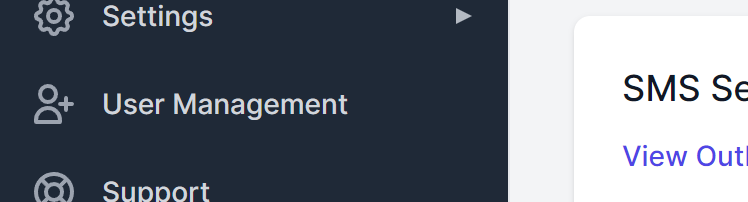
It all happens in User Management - select this from the left menu.
To add a new user to this account, click CREATE USER.

Enter user's details and preferences - only name and permission level are mandatory to create and save a new user profile.

Modify Existing User
If you are editing an existing user profile, select the user from the list displayed, click the three dots and select EDIT.
You can update all details from this view, including their allocated permission level.