API Settings
Send messages through third-party integrations and using our API in addition to the online platform.
»
Updated over a week ago
API Settings
Send messages through third-party integrations and using our API in addition to the online platform. In order to use the API you need to create a set of API Keys to use as credentials when making a request to the RESTful API.
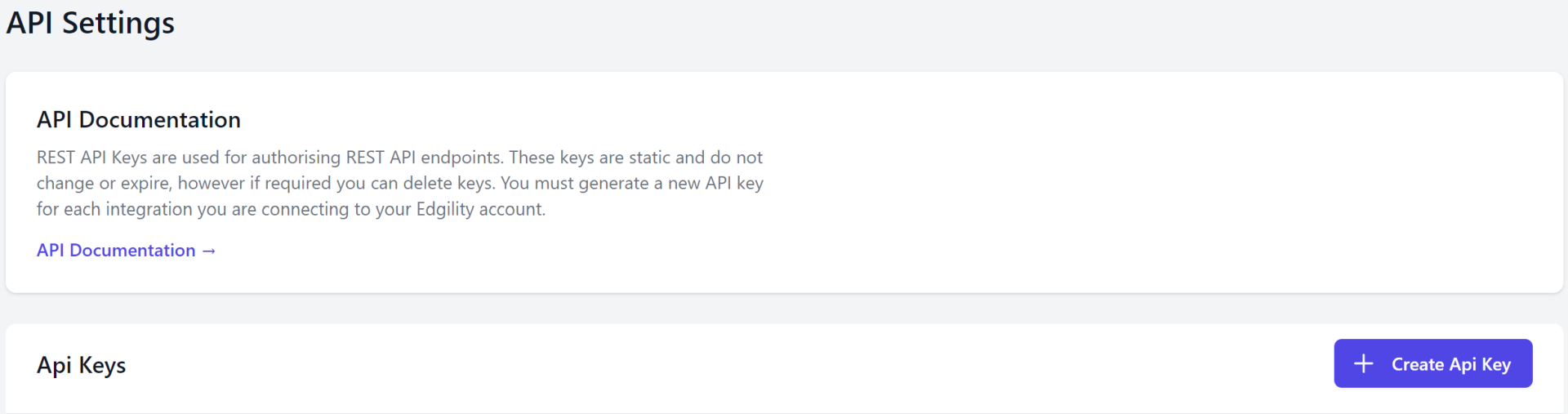
To create a set of API Keys, go to;
1. Settings > API Settings
2. Click + Create API Key.
3. Enter a Name for your API Key, the status will be set to Enabled by default and click Save.
Tip: Once setup you have the ability to disable the key should it become compromised or is no longer needed.