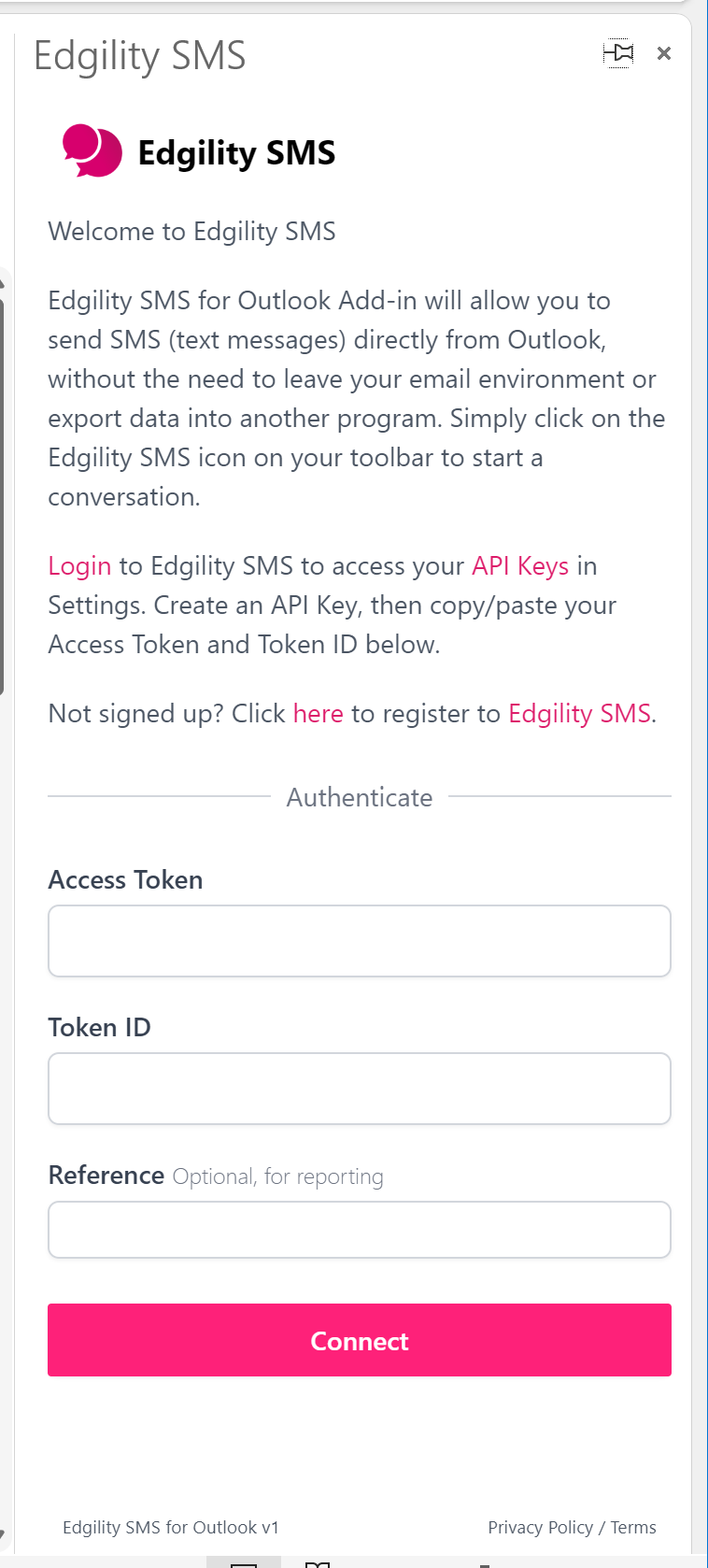
You can enable the SMS app from within Outlook by:
In earlier versions of Outlook, look for Get Add-ins in your Home ribbon.
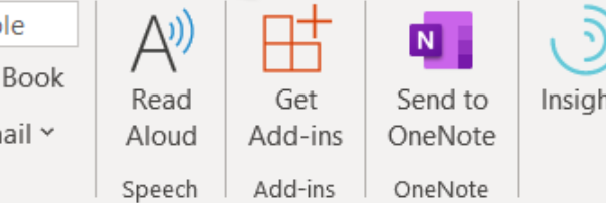
In more recent versions of Outlook, look for All Apps in the Home ribbon or in the left side bar menu.
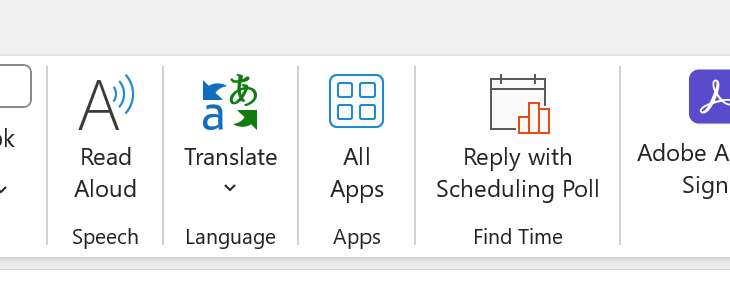
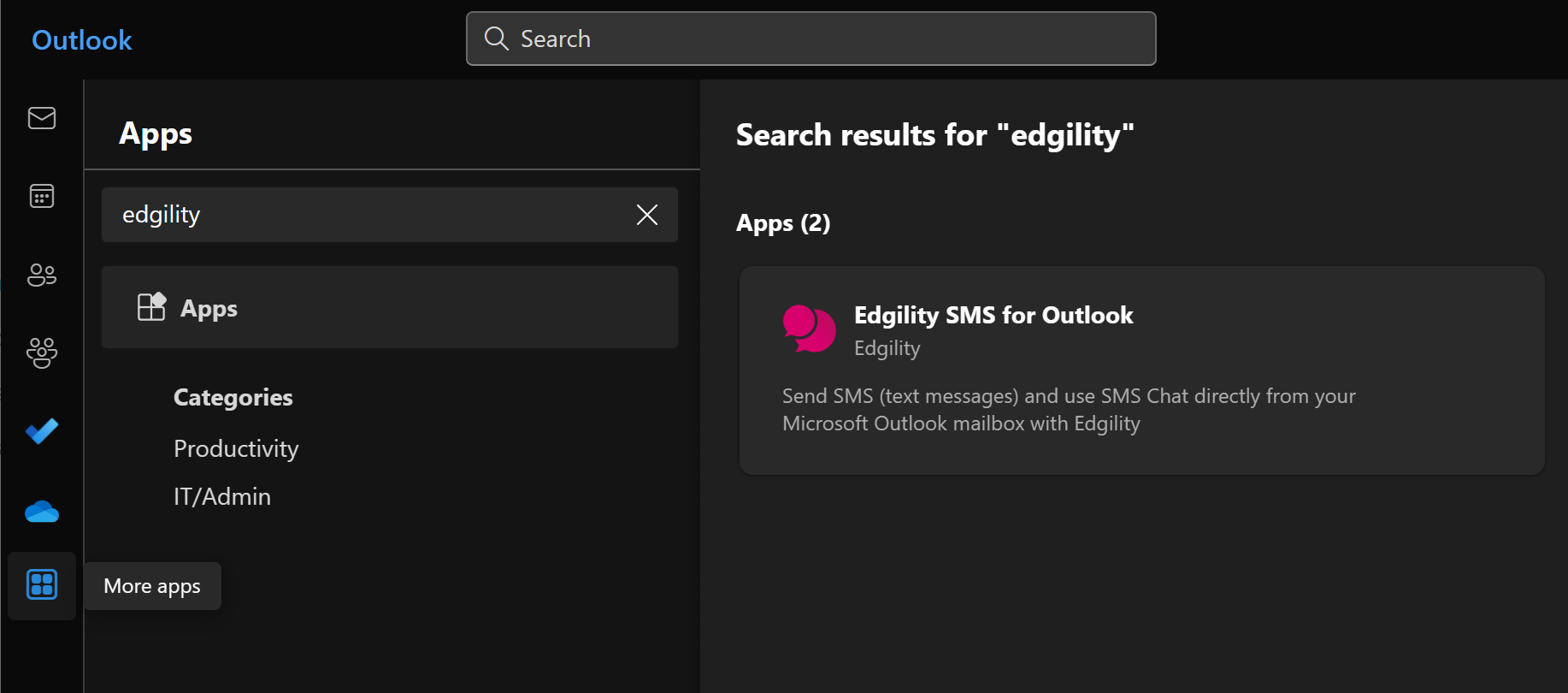
- Type Edgility SMS for Outlook in the search field
- Click Add
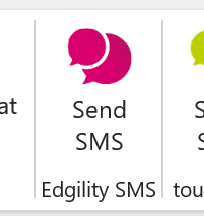
Once installed, the SMS app will either appear in the Home ribbon (as below)
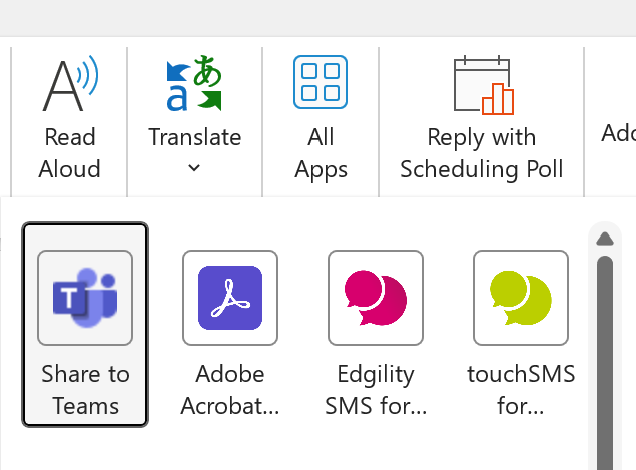
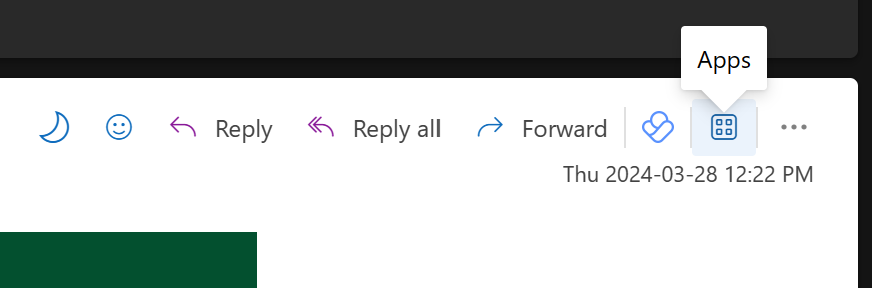
Or in the Apps in the Home ribbon / in the email header when open (as below)
Outlook add-ins are supported in Outlook 2013 or later on Windows, Outlook 2016 or later on Mac, Outlook on the web for Exchange 2013 on-premises and later versions, Outlook on iOS, Outlook on Android, and Outlook on the web and Outlook.com.